Adding the widget
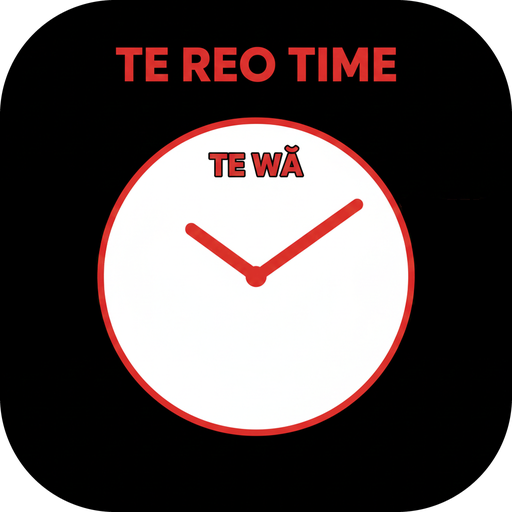
- Touch and hold an empty part of your Home Screen.
- Tap Edit or +.
- Search for Te Reo Time, then add the widget.
Open the Te Reo Time app once after installing so the widget can load your settings.
Adding the widget
- Touch and hold an empty part of your Home Screen.
- Tap Widgets and find Te Reo Time.
- Touch and hold the widget, then drag it into place.
You can also tap Add widget to Home Screen inside the app.
Widget not updating?
- Open the Te Reo Time app once after installing.
- Check that widgets are enabled on your device.
- Try removing and re-adding the widget.
- Restart your device if the widget remains stuck.
Settings and customisation
You can adjust display options, location name, moon phase, Matariki, weather effects and seasonal visuals from inside the app.
Open the app and tap Widget Settings (iPhone) or Customise widget (Android).
Location and weather
Location is optional and is only used for local sunrise, sunset and weather-inspired visual effects. Te Reo Time is not a weather advice app.
You can turn location access off at any time in your device settings.
Privacy
Te Reo Time is designed to collect as little information as possible. No account is required, no advertising tracking is used, and personal information is not sold.
Read the privacy policyStill need a hand?
Need help, found a bug, or want to suggest an improvement? Email Poole Software Ltd and include: